


















In context
UX / UI Design / WebskillogyUX/UI design that
UX/UI design that
guides visitors
with
confidence.
Give people a clear path through your product or website. We organise information, remove unnecessary decisions and design interfaces with a consistent visual language.
Start a projectReferencesExplore Webskillogy projects across industries in India and internationally.










Interfaces that guide
visitors with
confidence.
Explore selected Webskillogy projects across web design, development and branding.
What goes into
our UX/UI design.
The building blocks of a connected brief. Images show original Webskillogy explorations.
Audience & task mapping
Define the tasks that matter most. The best interface starts with the decisions people are trying to make.
Information architecture
Use prototypes to make assumptions visible before investing in a full build.
Wireframes
Create a visual system that keeps forms, navigation and feedback consistent across every screen.
Interaction prototypes
Define the tasks that matter most. The best interface starts with the decisions people are trying to make.
In context
Interaction prototypes
In context
Interface design
Interface design
Use prototypes to make assumptions visible before investing in a full build.
Responsive behaviour
Show how navigation, content and controls adapt to different screen sizes.
Component states
Consider focus, errors, loading and confirmation so the interface gives useful feedback.
Design documentation
Bring the screen system and interaction decisions together for a more consistent handover.

In context
Design documentation
Why UX/UI works with us.
Clear thinking gives the creative work a purpose.
A direction before the details.
Connect the work to a clear audience, a useful message and the decision your business needs people to make.
Explore in context.
Review the direction in real applications so typography, imagery and interaction can be assessed as a connected experience.
A system you can use.
Give future pages, content and campaigns a consistent foundation, with room for your business to evolve.

One considered journey.
Carry the same promise from the first impression through the content and into a clear, practical next step.
Collaboration you can
plan on.
One connected brief. A considered process. A useful conversation at each milestone.


A clear contact path
Use email, phone or WhatsApp to keep the conversation connected.
Visible milestones
Review work in context and understand the decisions behind it.
Shared responsibilities
Agree on who creates, who reviews and who approves.
Thoughtful feedback
Bring consolidated feedback to each stage so the direction stays clear.
THE WEBSKILLOGY EXPERIENCE
Standards on every website.
Full service. From A to Z.
Strategy · Design · Development · Content · Marketing. One connected brief.
Performance first.
Consider image formats, fonts and code alongside the experience.
Privacy in mind.
Privacy needs, consent and appropriate tools considered.
Search in mind.
Clear structure, useful page information and readable URLs.
Custom-built.
Structure, components and interaction shaped around the agreed project.
Built to grow.
Leave room for new content and features as your requirements evolve.
Clear handover.
Organise the agreed assets and guidance around the people maintaining the site.
Well connected.
Consider your CRM, newsletter and booking tools as part of the agreed scope.
Temporary reference design illustrations. Performance and compliance examples are not Webskillogy certifications.
From user goals
to handover.
The scope follows your brief. Each stage prepares something concrete for the next review.
Audience & task mapping
Define the tasks that matter most. The best interface starts with the decisions people are trying to make.
Information architecture
Use prototypes to make assumptions visible before investing in a full build.
Wireframes
Create a visual system that keeps forms, navigation and feedback consistent across every screen.
Interaction prototypes
Define the tasks that matter most. The best interface starts with the decisions people are trying to make.
Interface design
Use prototypes to make assumptions visible before investing in a full build.
HOW THE WORK DEVELOPSWhat you get to see
What you get to see
in every phase.
Each stage includes a concrete review, so you can see the direction before the next step.

Step 01 Audience & task mapping
Reference
Step 02 Information architecture
Reference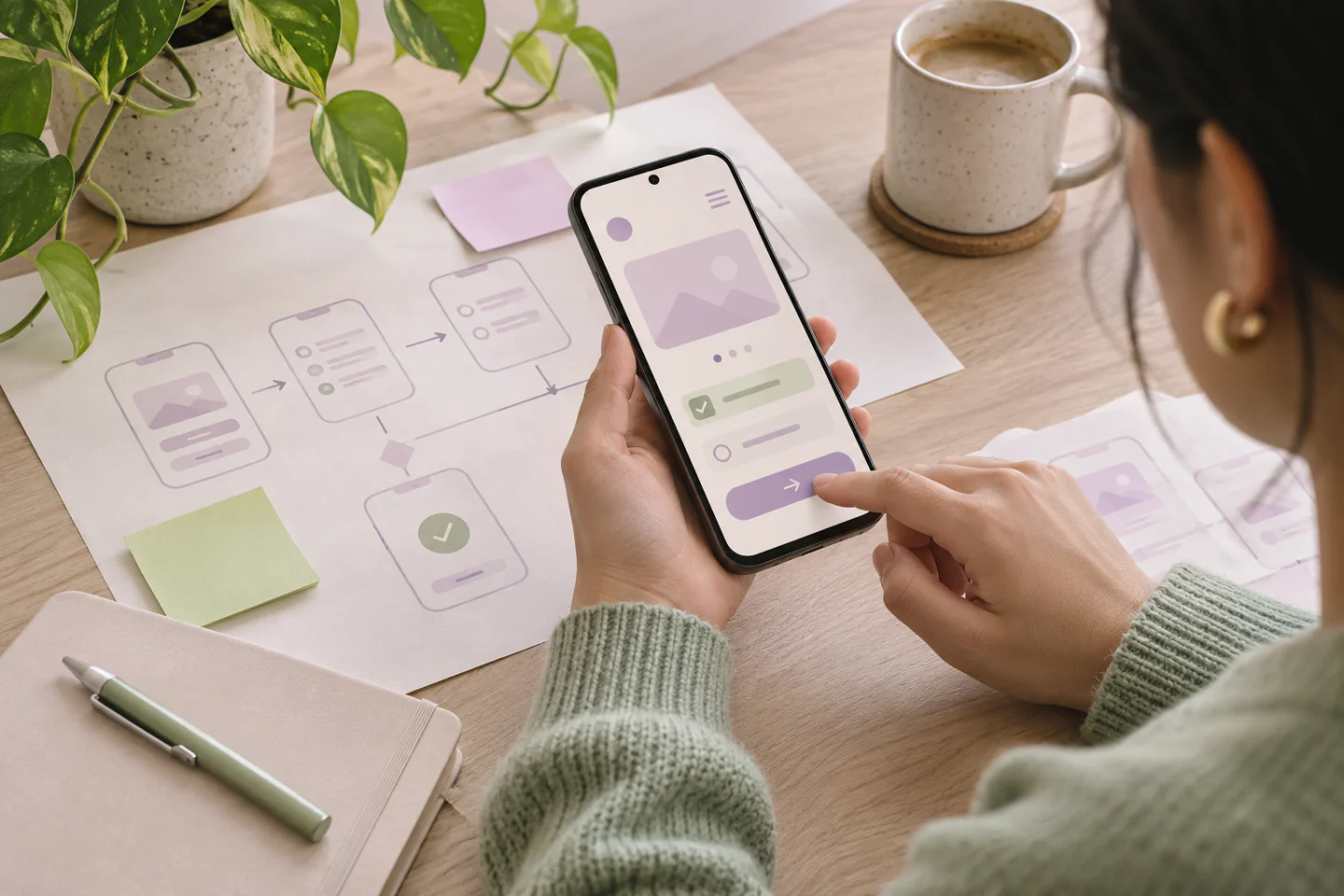
Step 03 Wireframes
Reference
Step 04 Interaction prototypes
Reference
Step 05 Interface design
ReferenceSee the work.
Explore selected projects from the Webskillogy portfolio.


Explore our work and process.
See selected projects, read the journal and find out how we work with your team.
Published work from the Webskillogy portfolio.
Articles from the Webskillogy journal.
Browse the portfolio by project and discipline.
ProcessHow we workSee how a project moves from the first brief through reviews to handover.
PlatformsTools we useCompare platforms and find a practical fit for your website.
IndustriesUX/UI design for
UX/UI design for
your industry.
Explore relevant projects, common challenges and the creative decisions that shape a useful presence in each industry.
 01↗
IT & Software
Explore our approach.
 02↗
Industry & Mechanical Engineering
Sky Steel, Sigma Marble & Granite
 03↗
Real Estate
Budget Homes Mumbai, JP Infra, Transcon Developers, URD — Urbanrise Developer
 04↗
Energy & Sustainability
Explore our approach.
 05↗
Mobility & Aviation
Explore our approach.
 06↗
Trades & Crafts
Pappu Aapka Painter, S-Cube Construction, The Design House Company
 07↗
Research & Science
Explore our approach.
 08↗
Consulting & Services
Kaizen Partners, Finzen India
 09↗
Other Industries
Explore our approach.
Journal and guidesKnowledge about UX
Knowledge about UX
and user
guidance.
Practical notes for your next project: how to prepare a brief, assess the options and connect creative decisions with a useful result.



Questions and answersFrequently asked questions
Frequently asked questions
about UX/UI
design.
What is the difference between UX and UI design?
We begin with the audience, the existing material and the outcome the work needs to support. The brief then connects strategy, design and delivery, with clear review points and an agreed handover.
Do you only design websites, or do you also work on web apps and portals?
We begin with the audience, the existing material and the outcome the work needs to support. The brief then connects strategy, design and delivery, with clear review points and an agreed handover.
Do you conduct user testing?
We define the relevant checks with the project team, then review structure, usability and technical behaviour against those priorities. The proposal confirms the evaluation work and any specialist support required.
What tool do you use?
The technical approach follows the content, integrations and team that will use it. We review the existing setup and agree suitable tools, responsibilities and any migration work as part of the scope.
Will I get a design system?
The technical approach follows the content, integrations and team that will use it. We review the existing setup and agree suitable tools, responsibilities and any migration work as part of the scope.
Do you take accessibility into account?
We define the relevant checks with the project team, then review structure, usability and technical behaviour against those priorities. The proposal confirms the evaluation work and any specialist support required.
Do you also handle the technical implementation of the design?
The technical approach follows the content, integrations and team that will use it. We review the existing setup and agree suitable tools, responsibilities and any migration work as part of the scope.
What happens if I don’t like the first screens?
We review the direction at agreed checkpoints before developing it further. Clear feedback and documented decisions keep revisions connected to the brief; the proposal defines the review arrangements.
START A PROJECTWhat is your
What is your
primary goal?
Select a goal and shape your project brief. UX / UI Design is already selected.
A clear starting pointYour draft to review
A USEFUL FIRST CONVERSATION
Let’s find a time to talk.
Email us to arrange a time, or start the conversation on WhatsApp. Tell us a little about your business and what you want to explore.
+91 88985 18887
enquiry@webskillogy.com
UX/UI Design Guide
UX design agency
for companies
that
want clarity.
A practical guide to planning ux/ui design, choosing the right approach and preparing your team for a clear, useful collaboration.
What determines the scope of a UX/UI project
The right starting point is a clear brief. For ux/ui design, the amount of work depends on the decisions, materials and outcomes involved, rather than one simple package label.
What influences the scope
Pages and page types
Start with the people who use the product and the tasks that matter to them. Existing research and support conversations help identify useful questions.
Core workflows
Map the important journeys before drawing every screen. The number of states and decisions often matters more than the number of pages in a presentation.
Research and testing
Agree how the design will be tested with users. A focused prototype helps expose confusing labels, missing information and unnecessary steps early.
States and devices
Identify the shared patterns across the interface. Buttons, forms, navigation and feedback states become easier to maintain when they follow consistent rules.
Design system
Consider accessibility throughout the experience. Content order, contrast, keyboard use and error messages should support people with different ways of interacting.
Languages and accessibility
Connect design delivery with implementation. Engineers need clear states, component behavior and the context behind decisions, alongside the visual specification.
A useful estimate describes what is included and where assumptions remain. We connect the scope with your priorities, then agree how additional requests will be reviewed before work begins. Clear user journeys, understandable interfaces and evidence for design decisions should remain visible in those decisions, from the initial brief through review and delivery.
Our UX/UI design process
A shared process gives the product experience a direction without hiding the work behind it. Each stage creates something concrete to discuss and a clear decision for the next stage.
Understand
Initial consultation
Share the context, the audience and the practical priorities. A useful first conversation identifies what the project should achieve and what needs further investigation.
Onboarding and kickoff
Gather the existing materials and review their usefulness. We identify what can be retained, what needs development and which gaps should be addressed first.
Strategy and user insights
Translate the brief into a clear direction and review criteria. This gives the team a shared basis for comparing alternatives and making decisions.
Structure
Information architecture
Explore the strongest possibilities before developing every detail. A focused set of options makes discussion useful and keeps attention on the main decisions.
Wireframes and user flows
Present a concrete first version using realistic content. Seeing the work in context makes it easier to review the hierarchy, the message and the overall impression.
Clickable prototype
Collect feedback into one considered response. We discuss the reasons behind the comments and separate essential changes from ideas for a later stage.
Initial key screens
Develop the approved direction across the agreed scope. Shared rules and reusable elements help the individual parts feel connected without repeating unnecessary work.
Interface
Interface expansion
Check the details in the situations where the work will be used. This review considers clarity, consistency and the practical needs of the people receiving it.
Design system
Prepare the agreed files and documentation for handover. The delivery should be understandable to the people who will publish, maintain or continue the work.
Handover
Testing and accessibility
Review the finished experience together and resolve the remaining questions. A clear handover connects the final material with its intended use.
Handoff to development
Agree what happens after delivery and who owns the next decisions. Support, new material and future improvements can be discussed around a defined scope.
You review the work at useful milestones. One combined response is easier to act on than scattered comments, and keeps the reasons behind a decision visible to everyone involved.
UX or UI: What do you need?
There is no single approach that fits every product experience. The right choice follows from the audience, the material, the team and the way the result will be used.
UX design
The focus is on when
- A clear brief defines the useful starting point.
- Choose tools that fit the work and the people maintaining it.
- Discuss practical constraints before committing to a technical approach.
- Keep future updates and ownership visible in the decision.
UI design
Focus on this if
- A clear brief defines the useful starting point.
- Choose tools that fit the work and the people maintaining it.
- Discuss practical constraints before committing to a technical approach.
- Keep future updates and ownership visible in the decision.
We discuss those practical differences with you before choosing a direction. The aim is a solution your team can understand and continue to use, with clear responsibilities after delivery.
What makes for good UX/UI design
Good ux/ui design connects the details with the larger purpose. It should help people understand the message and take the next useful step, while remaining consistent across the experience.
Orientation
The message should be easy to understand. A clear hierarchy helps people find the information that matters without making every element compete for attention.
Consistency
Shared visual rules connect the individual parts. Type, color, imagery and spacing should feel considered together across the materials people encounter.
Accessibility
Design choices should support a useful experience. Review the work with real content and practical tasks so the result works beyond a presentation.
Performance
Good production respects the way people will use the work. Files, formats and behavior should fit the channel and remain clear in everyday conditions.
Conversion
A coherent result is easier to continue. Practical guidance and well organised assets help the team make future updates with confidence.
Review the work in realistic situations rather than only in an isolated presentation. Real content, different devices and everyday use reveal whether the choices support the intended experience.
How to identify a great UX design agency
Look for a team that can explain its decisions and show how it works. Useful questions reveal more about a partnership than a long list of unqualified promises.
- Can the team explain the thinking behind relevant previous work?
- Is the proposed process clear enough for everyone to understand?
- Do responsibilities and review points appear in the project scope?
- Are assumptions and limitations discussed before commitments are made?
- Will your team receive material it can understand and use?
Ask to see work that relates to your challenge, then discuss the thinking behind it. Clear communication, defined responsibilities and a considered review process make collaboration easier to assess.
Checklist: How to prepare for your UX/UI project
You do not need a finished solution before the first conversation. A few useful materials help establish the starting point and make the product experience easier to discuss.
- Describe the main problem the project should help solve.
- Explain who the work should reach and what they need.
- Share useful examples and explain what you see in them.
- Gather existing writing, images, brand files and other relevant materials.
- List the important deliverables and the places they will be used.
- Identify who can provide the access and source files needed.
- Discuss the available budget, timing and any important dependencies.
- Choose who reviews the work and combines the feedback.
Bring what is available and be clear about what is still uncertain. We can identify the gaps together and decide which questions should be answered before production starts.
UX/UI Design with Webskillogy
Webskillogy works with teams through a clear brief, shared reviews and direct communication. The practical setup follows the project, including how people collaborate, exchange material and make decisions.
Tell us about the challenge, the people involved and the outcome you want. We will discuss a useful next step and define the scope together before making commitments.